Bee POV Workflow Guide
This workflow is designed to add cinematic dynamics, immersion, and a strong sense of perspective to video projects — from brand advertising and social media campaigns to experimental short films and narrative visuals.
By using a fast, low-altitude POV flight combined with controlled transitions and scale shifts, you can create content that immediately pulls the viewer into the scene and keeps attention through motion, tension, and visual surprise. This approach works especially well when you want to simulate impossible camera movement, explore non-human points of view, or build surreal storytelling moments that feel cinematic rather than synthetic.
You can recreate this effect in many tools, but it is most efficient and flexible inside the 8Frame platform. Once you've built a node-based workflow for complex motion and transitions, you can return to it at any time — adjust speed, change environments, replace characters, or extend the story with new scenes while preserving visual consistency.
This makes the workflow suitable not only for one-off videos, but also for series, campaigns, and evolving visual narratives. If you participate in our Creative Program for Artists, you can also share and monetize your workflows, allowing others to reuse and build upon your cinematic setups.
Creating the Visual Reference — GPT Image 1.5
The first step is creating a strong visual reference that defines the perspective, scale, lighting, and overall cinematic tone of the scene.
For this workflow, we used GPT Image 1.5 to generate the initial reference frame. Before generation, make sure to select the required aspect ratio in advance (for example, 16:9), as this will directly affect framing and composition in later steps.
Prompt used:
“Ultra-realistic cinematic POV still frame inside a modern kitchen. A large, fluffy bumblebee is clearly visible in the foreground, close to the camera. Thick fuzzy body, detailed hairs, semi-transparent wings slightly motion-blurred. The bumblebee occupies the lower center of the frame and partially blocks the view, as if the camera is flying together with it. Insect-scale perspective. Camera just a few centimeters above the countertop. Background: gas stove with blue-orange flames, steaming pots, a sizzling pan, metal cookware reflecting firelight. Plates, cups, utensils forming obstacles ahead. Warm dramatic cinematic lighting. Heat distortion above flames, floating steam and smoke particles. Strong depth, parallax feeling. Foreground sharp on the bumblebee body, background slightly defocused with natural motion blur. Hyper-realistic, film-quality, dynamic composition. NOT a cartoon, NOT illustration, NOT stylized.”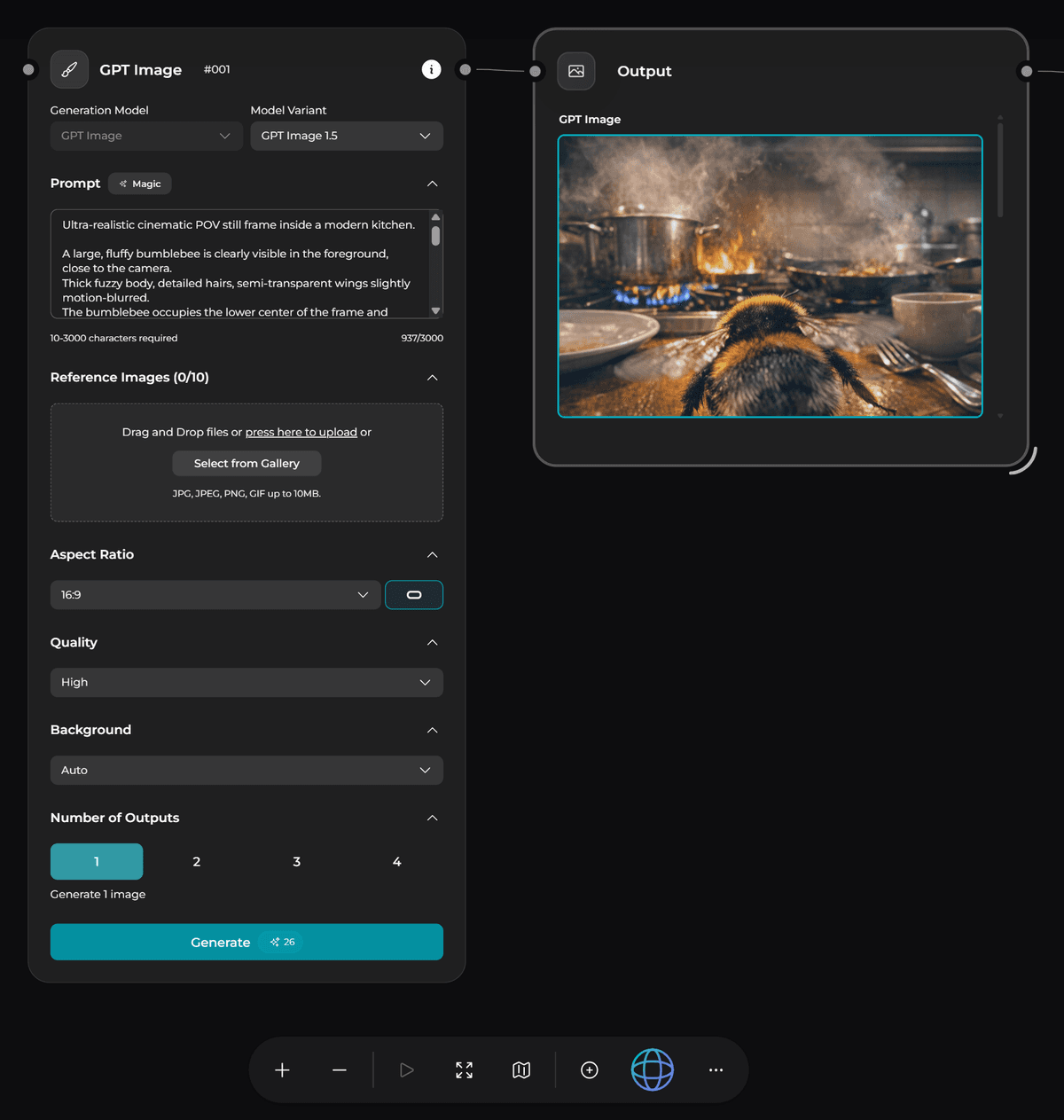
Animation — Kling 2.6
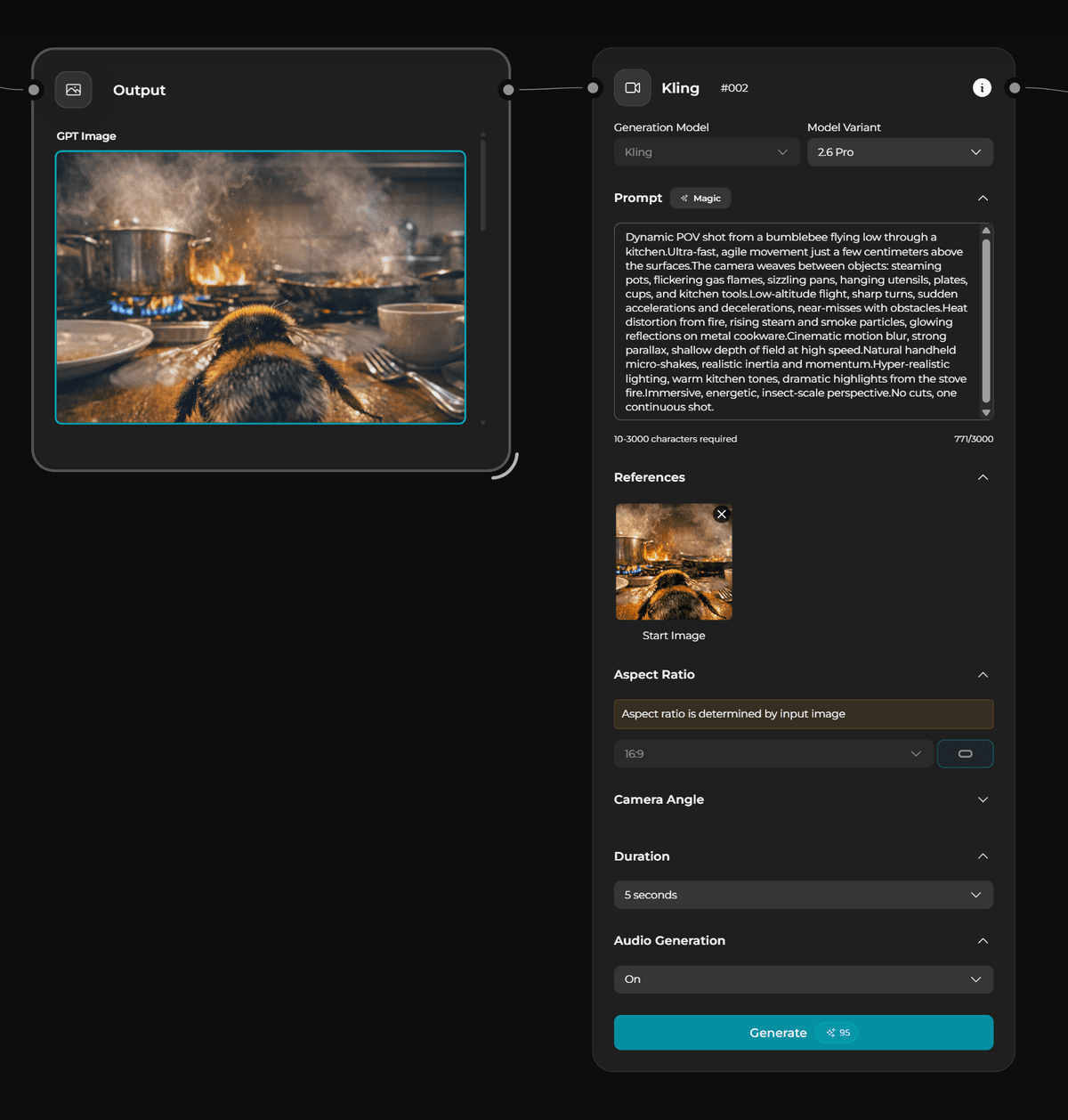
To animate the scene, create a Kling node (right-click in the workspace). Select Kling 2.6 as the model. Use the reference image generated in the previous step as input.
Prompt used:
“Dynamic POV shot from a bumblebee flying low through a kitchen. Ultra-fast, agile movement just a few centimeters above the surfaces. The camera weaves between objects: steaming pots, flickering gas flames, sizzling pans, hanging utensils, plates, cups, and kitchen tools. Low-altitude flight, sharp turns, sudden accelerations and decelerations, near-misses with obstacles. Heat distortion from fire, rising steam and smoke particles, glowing reflections on metal cookware. Cinematic motion blur, strong parallax, shallow depth of field at high speed. Natural handheld micro-shakes, realistic inertia and momentum. Hyper-realistic lighting, warm kitchen tones, dramatic highlights from the stove fire. Immersive, energetic, insect-scale perspective. No cuts, one continuous shot.”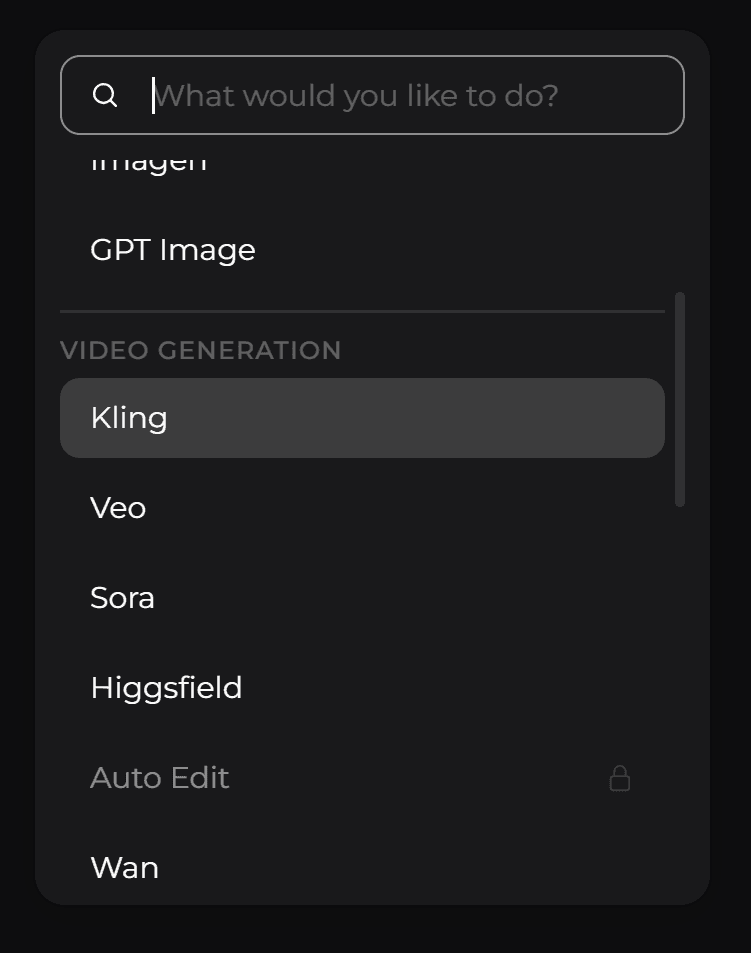
Extending the Animation
If you need a longer video duration, export the last frame in any video editor and reuse it as a new reference image.
Repeat the process by experimenting with prompts to change the environment, motion, and pacing depending on your scenario and idea.